
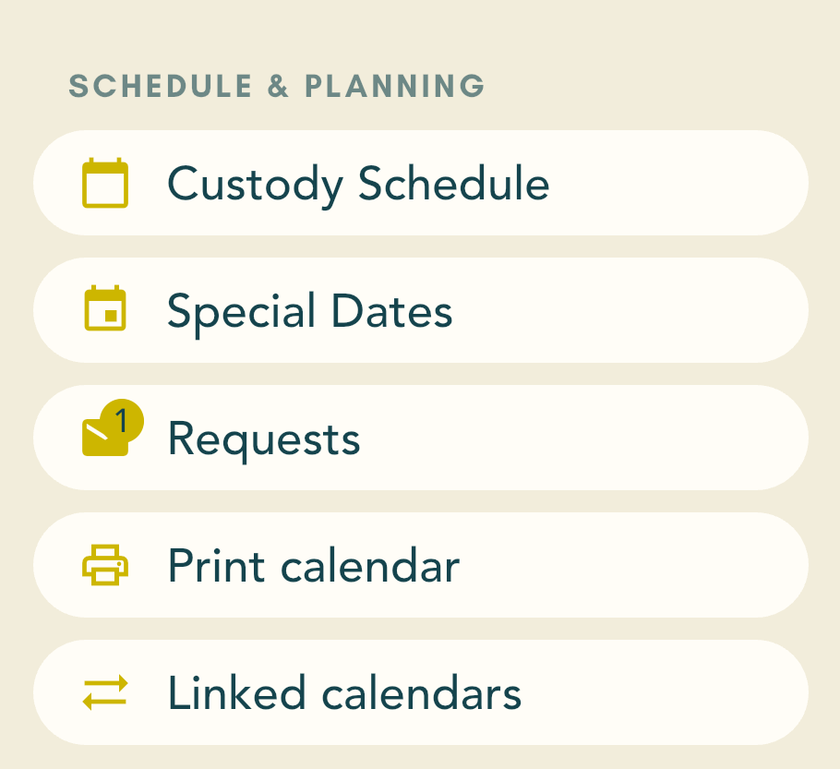
Open Linked calendars
Open the BeNice app and tap Calendar at the bottom.
Tap the three lines at the top left.
Tap Linked calendars.
 3
Can I get there through Settings too?
Yes. Tap Profile at the bottom, then Settings, then Linked calendars. You end up on the same screen.
Link BeNice to the calendar on your phone
Your BeNice appointments and handovers then show up in your phone’s calendar, alongside your other appointments. Which phone do you have?
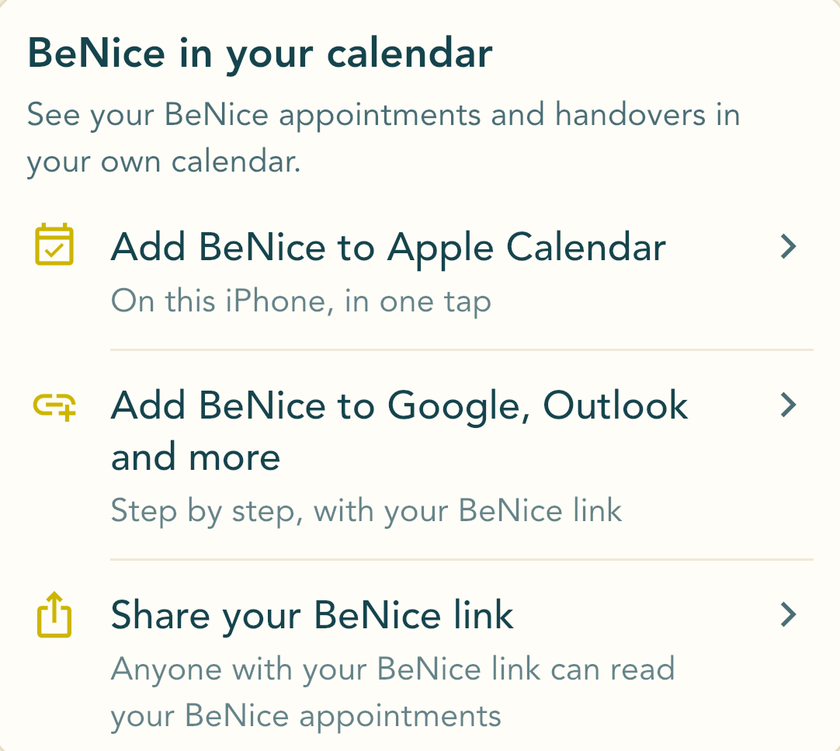
Tap Add BeNice to Apple Calendar.
Apple Calendar asks whether you want to subscribe to the BeNice calendar. Say yes. The subscription is free.
 1
Did it work?
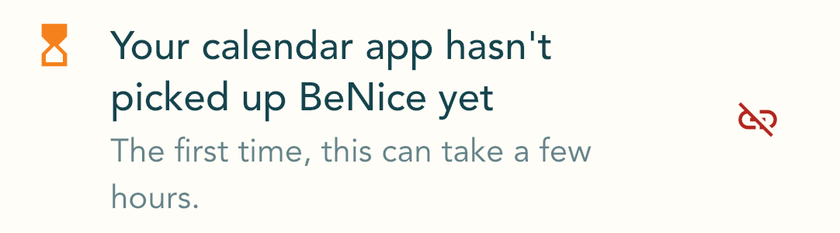
At first the BeNice app says Your calendar app hasn't picked up BeNice yet. Apple Calendar picks up your appointments in its own time. After a few hours, the line changes to BeNice is in your calendar app.
You don’t need the Share your BeNice link button for this.
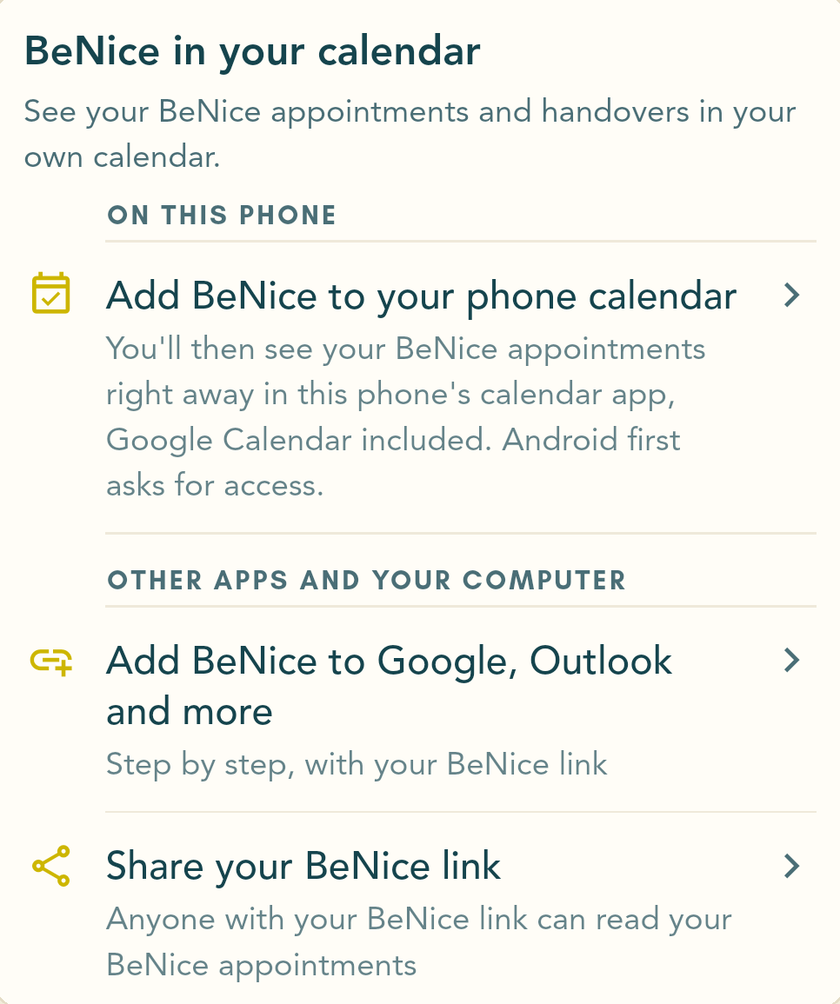
Tap Add BeNice to your phone calendar.
Android asks if BeNice can use your calendar. Tap Allow.
 1
Did it work?
The BeNice app now says BeNice is in your phone calendar. Open Google Calendar or Samsung Calendar: your BeNice appointments are there now too.
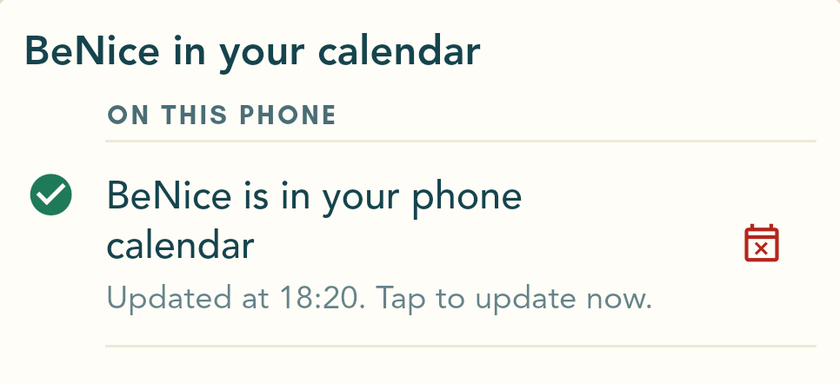
Every time you open the BeNice app, BeNice updates your phone calendar.
Your appointments go straight from the BeNice app to your phone, not to your Google account.
Change appointments in BeNice
In your own calendar you can look at your BeNice appointments, but not change them. If you want to change something, do it in the BeNice app. That way the other parent sees it and can respond.
Link BeNice to Outlook or Google Calendar
This puts your BeNice appointments in Outlook or Google Calendar, on your computer too. The BeNice app shows you how.
Tap Add BeNice to Google, Outlook and more.
Choose your calendar and follow the steps in the BeNice app.
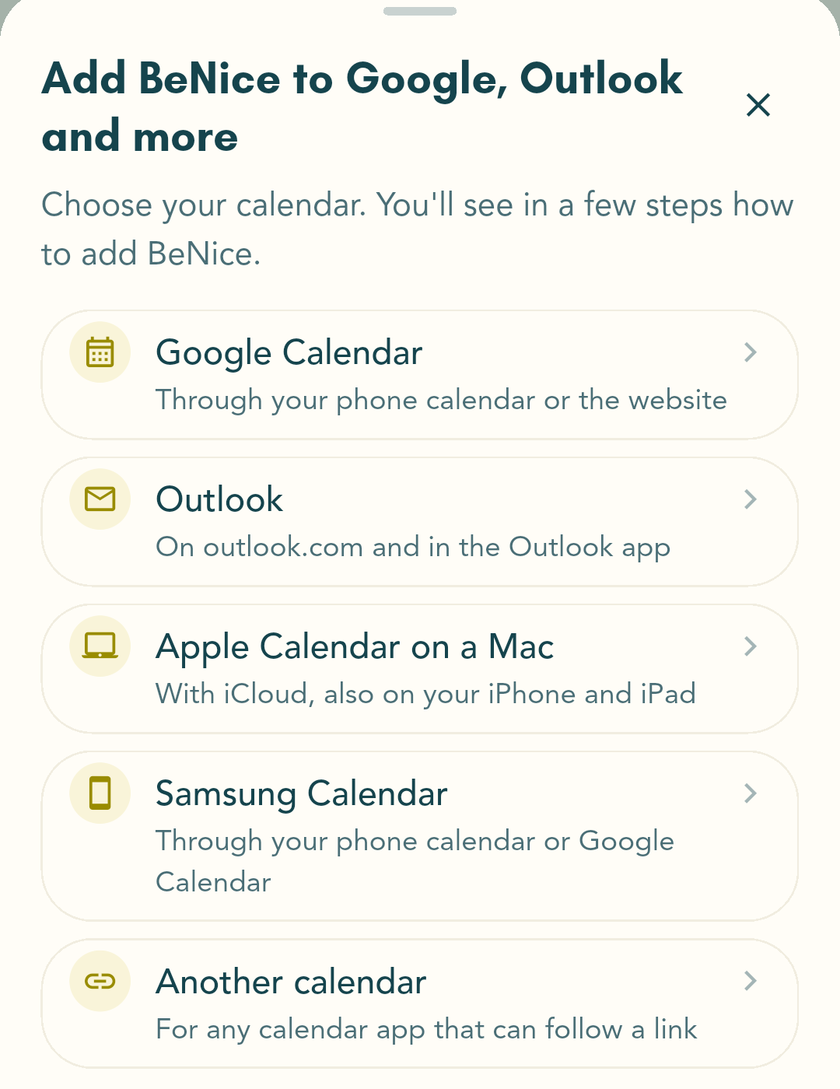
Linking on your computer? Then use Share your BeNice link to send your BeNice link to yourself, by email for example. Then paste it into the calendar on your computer.
Google Calendar and Outlook don’t pick up changes straight away, only a few times a day. Not sure about a time? Check the BeNice app: it always has the latest version.
Google Calendar on your computer, step by step
- In the BeNice app, tap Add BeNice to Google, Outlook and more, then Google Calendar and Copy link. Send the link to yourself, by email for example.
- Open calendar.google.com on your computer.
- Click the plus sign next to Other calendars and choose From URL.
- Paste your BeNice link and click Add calendar.
Google picks up BeNice on its own. The first time, this can take a few hours. After that, Google updates the calendar once or twice a day.
Why can’t the Google Calendar app do it?
The Google Calendar app on your phone can’t add a calendar from a link. The Google Calendar website can, even in your phone’s browser. The BeNice app opens that page for you.
On Android, Add BeNice to your phone calendar is quicker: you see BeNice in Google Calendar on your phone straight away.
Who sees your appointments?
Only people who have your BeNice link: you, and anyone you give the link to.
Nobody can guess it.Your link contains a long, random code.
Nobody can change anything with it.The link is read-only. Appointments can only be made or moved in the BeNice app.
Only your BeNice appointments.Anyone with your link sees the title, time, place and note of your BeNice appointments, including the ones only you can see. No messages, no expenses, no photos. And never the appointments from your phone’s calendar: those stay on your phone.
The other parent sees no more than before.Each of you has your own link. Appointments only you can see are not in the other parent’s link. And the other parent isn’t told when you link or unlink your calendar.
You can always revoke it.In Linked calendars, tap the red icon next to your link. After that the link stops working everywhere, in Google Calendar and Outlook too.
You can share your link. Would you like your children or their grandparents to be able to see your BeNice calendar? Send them your link. They will also see the appointments only you can see. Want someone to stop seeing it? Revoke your link and make a new one.
Where do my appointments end up? And what if I share my calendar?
In the calendar you choose. Google and Microsoft pick up your BeNice appointments and keep them in your Google or Microsoft account, like your other appointments there. On an iPhone, Apple Calendar picks them up.
If you share your calendar with someone through Google, Outlook or iCloud, they can see BeNice there too. Your calendar’s settings show who you share it with.
On Android, Add BeNice to your phone calendar doesn’t use a link. Your appointments then only go from the BeNice app to your own phone.
See your own appointments in BeNice
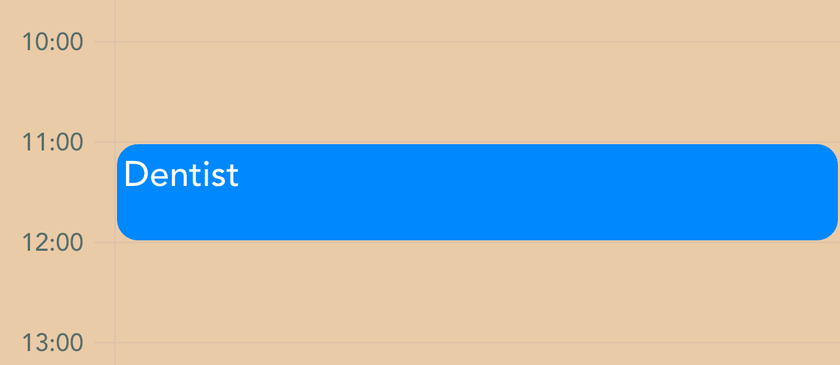
BeNice then also shows when you’re at work or at the dentist. Only you can see those appointments, not the other parent.
BeNice only reads the calendars in your phone’s built-in calendar app. On an iPhone that’s Apple Calendar. On Android it’s Google Calendar or your phone maker’s own calendar app.
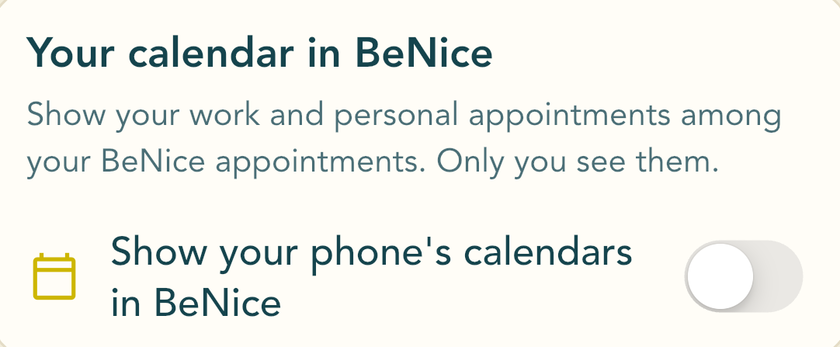
Turn on Show your phone's calendars in BeNice.
If your phone asks to let BeNice read your calendars, allow it.
You now see your calendars. Turn off any you don’t want to see in BeNice.
 1
Did it work?
In the BeNice calendar, your own appointments now appear among your BeNice appointments, in the colour they have on your phone.
Does it say “BeNice can’t access your calendars”?
That means you didn’t give BeNice access earlier. Tap Open your phone's settings and give BeNice access to your calendars there. Then come back to the BeNice app.
Missing a calendar, such as Outlook or your work calendar?
It’s probably only in its own app, not in your phone’s calendar app, so BeNice can’t see it.
On an iPhone, add the account in your phone’s settings, under Calendar and then Calendar Accounts. On Android, open that calendar’s app (such as Outlook) and turn on the setting that syncs its calendars to your phone.
Once it’s in your phone’s calendar app, you’ll see it in BeNice too.
Want a different colour for a calendar?
Tap the palette icon next to the calendar and choose a colour. Use the color from your phone's calendar takes you back to your phone’s colour.
Unlinking
You can do that any time. Everything stays in BeNice.
- BeNice in your phone calendar (Android): tap the red icon to the right of BeNice is in your phone calendar, then Remove. Your BeNice appointments then disappear from your phone.
- Apple Calendar, Google Calendar or Outlook: tap the red icon to the right of BeNice is in another calendar through your BeNice link and confirm. The link then stops working everywhere. Your calendar app keeps the last version until you remove the BeNice calendar there. To remove it in Apple Calendar, tap Calendars at the bottom, then the i next to BeNice.
- Your calendar in BeNice: turn off the switches for your calendars.
Questions
How quickly do I see a new appointment in my calendar?
- Android, phone calendar: as soon as you open the BeNice app.
- Apple Calendar: BeNice asks Apple Calendar to update every hour, but Apple decides when it actually does.
- Google Calendar: once or twice a day. Google decides that.
Want to be sure how things stand right now? Check the BeNice app.
What is in my calendar, and what isn’t?
Included: your BeNice appointments, including handovers. Requests that haven’t been answered yet, as a tentative appointment. And special dates, such as birthdays and holidays.
Not included: the coloured days of the custody schedule. You can see who the children are with each day in the BeNice app.
Can I move a BeNice appointment in Google Calendar?
No. In your own calendar your BeNice appointments are read-only. You move them in the BeNice app, so the other parent sees it and can respond.
Does the other parent see my own appointments?
No. Appointments from your phone’s calendar stay on your phone. Only you see them in BeNice.
I’m in two family circles. Do I see everything?
Yes. Your calendar shows the BeNice appointments of all your family circles.
I see everything twice. Why?
Then BeNice is in your calendar twice, for example as your phone calendar and through Google Calendar on the website. Remove one of the two. On Android, the phone calendar is enough: open the Google Calendar app, tap Settings, then BeNice, and turn off Sync.
Can I see my work calendar in BeNice?
Yes, if your work calendar is in your phone’s calendar app. If it’s only in the Outlook app, see how to add it. BeNice only reads your calendar: your employer can’t see anything in BeNice.
Nothing happens. What now?
Still says Your calendar app hasn't picked up BeNice yet after a day? Tap Add BeNice to Apple Calendar again, or follow the steps for your calendar again. If your calendar app doesn’t pick up BeNice for three days, the BeNice app tells you.
Does linking a calendar cost extra?
No, it costs nothing extra.
No BeNice yet?
BeNice is an app for separated parents: to talk calmly with each other and keep a shared calendar. You can try BeNice free for 7 days, and you both get 7 more days as soon as the other parent joins.
Download the app